Anaglyph 3D
Perhaps you're familiar with those cardboard 3D glasses with a red and a blue-green filter. These allow you to see "anaglyph images." If you've landed here, it's quite possible we've handed you a pair. Why not try them out in the gallery?.
-
- Hasinos, by Nina Rossow
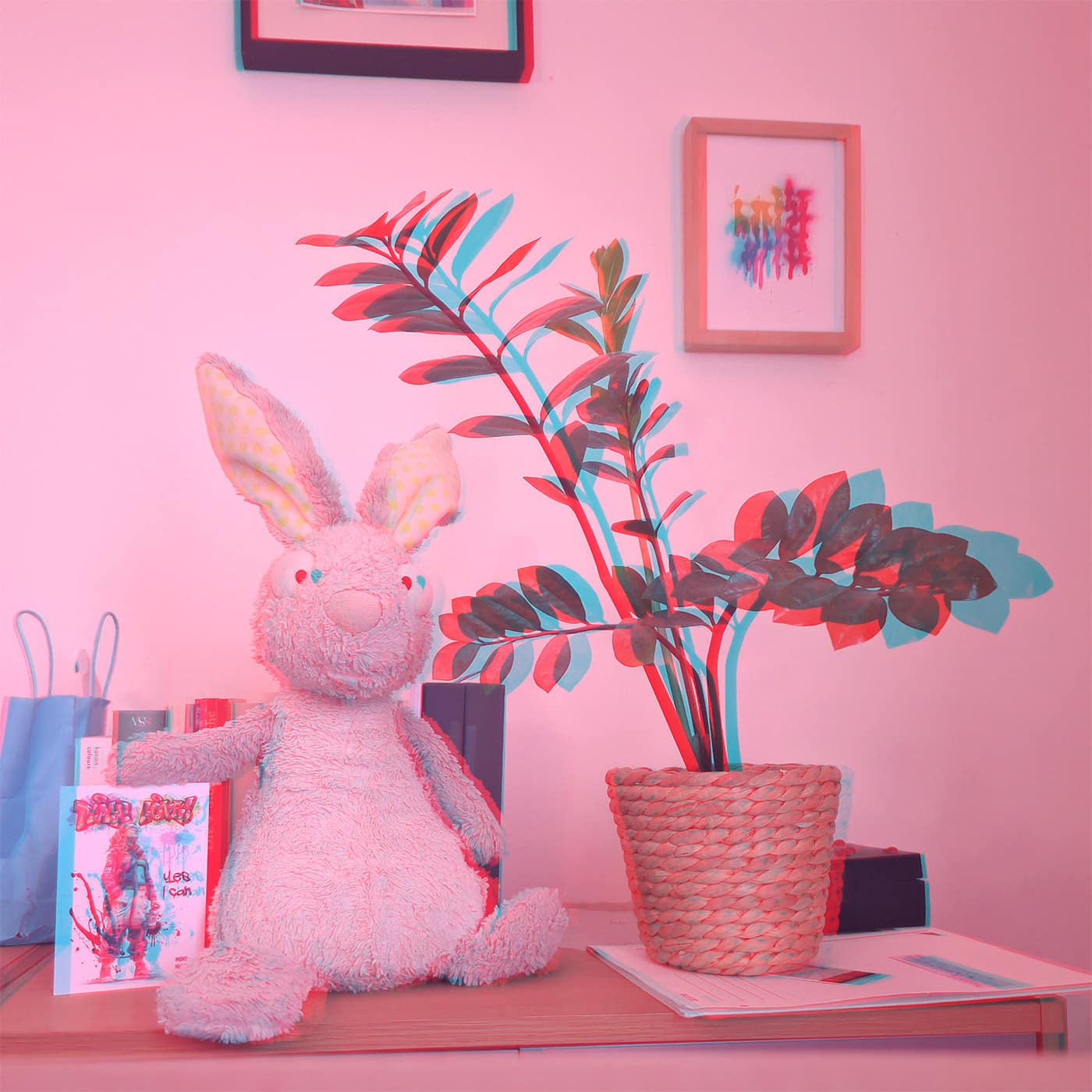
-
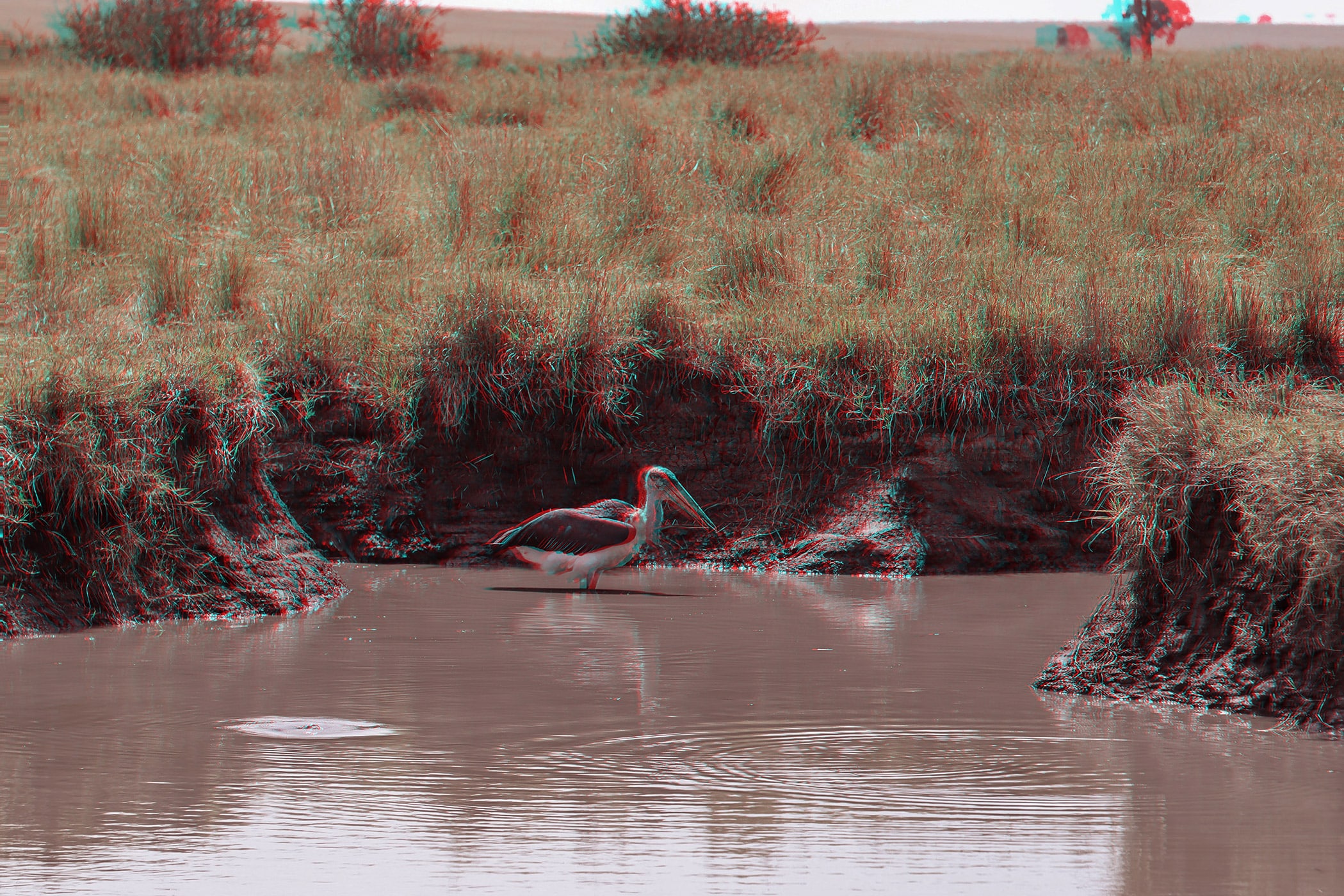
- Marabou Stork, by Michael Piepgras
-

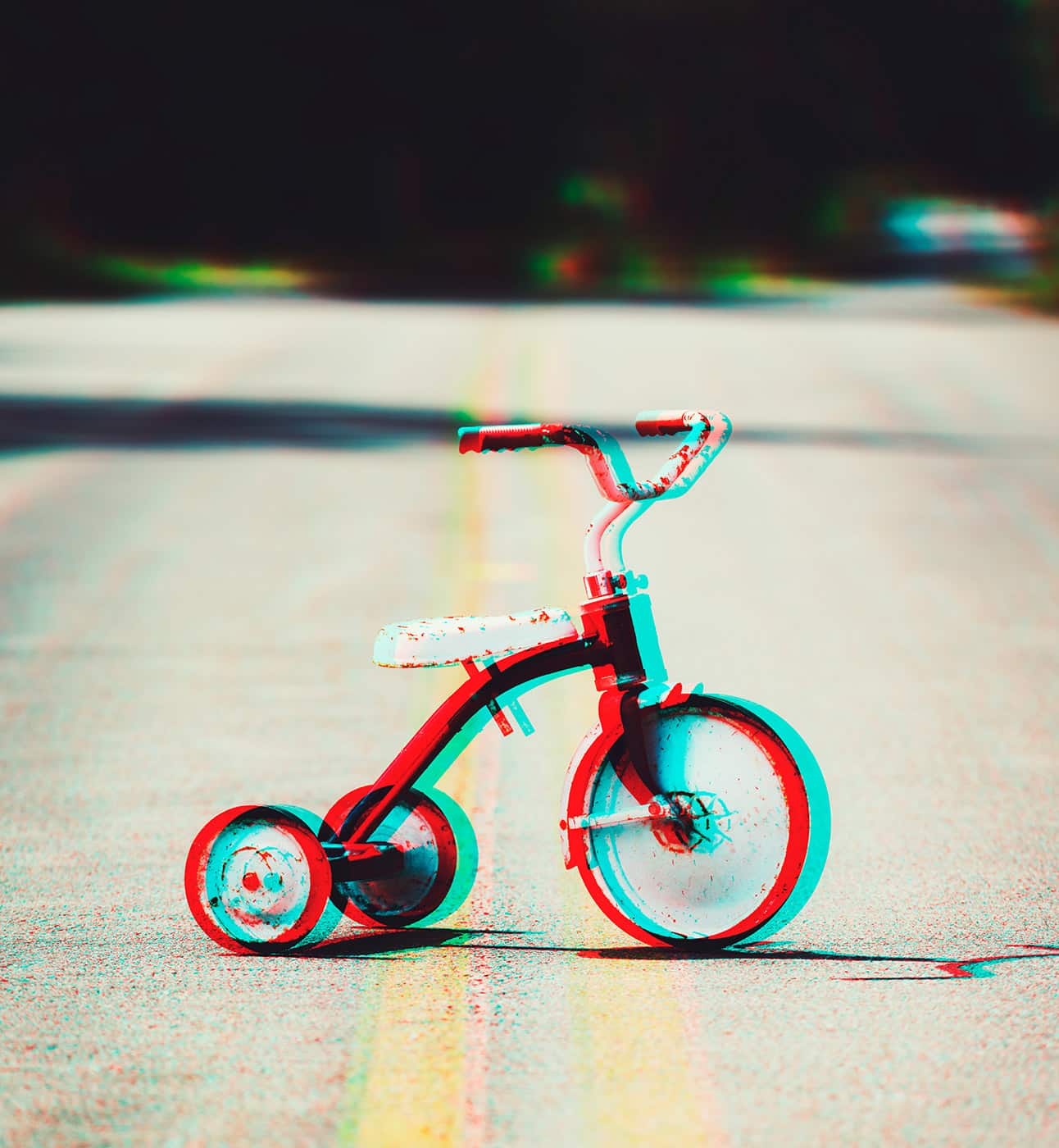
- Tricycle, by Shauni
-
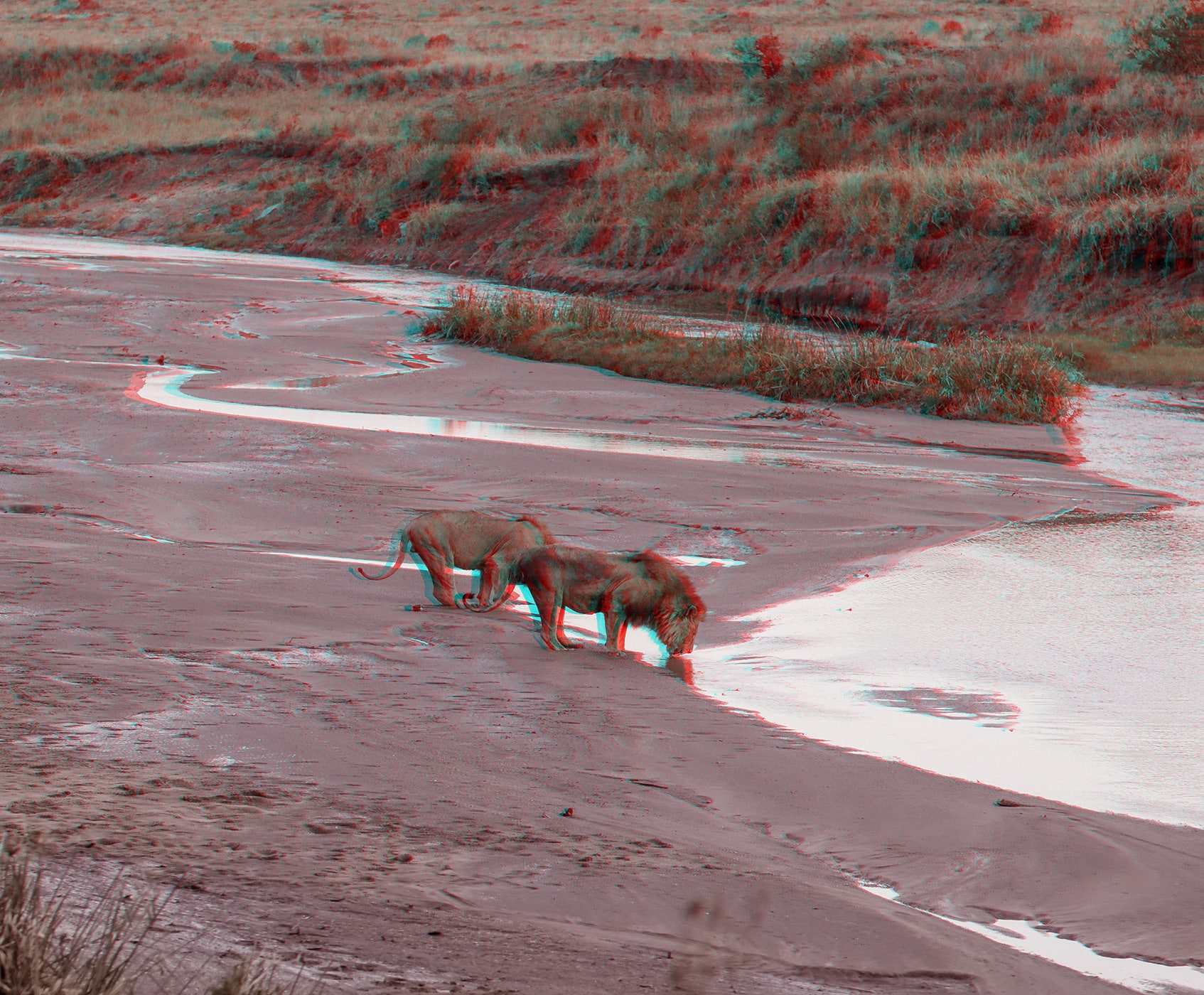
- Lions, by Michael Piepgras
-
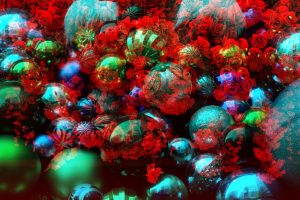
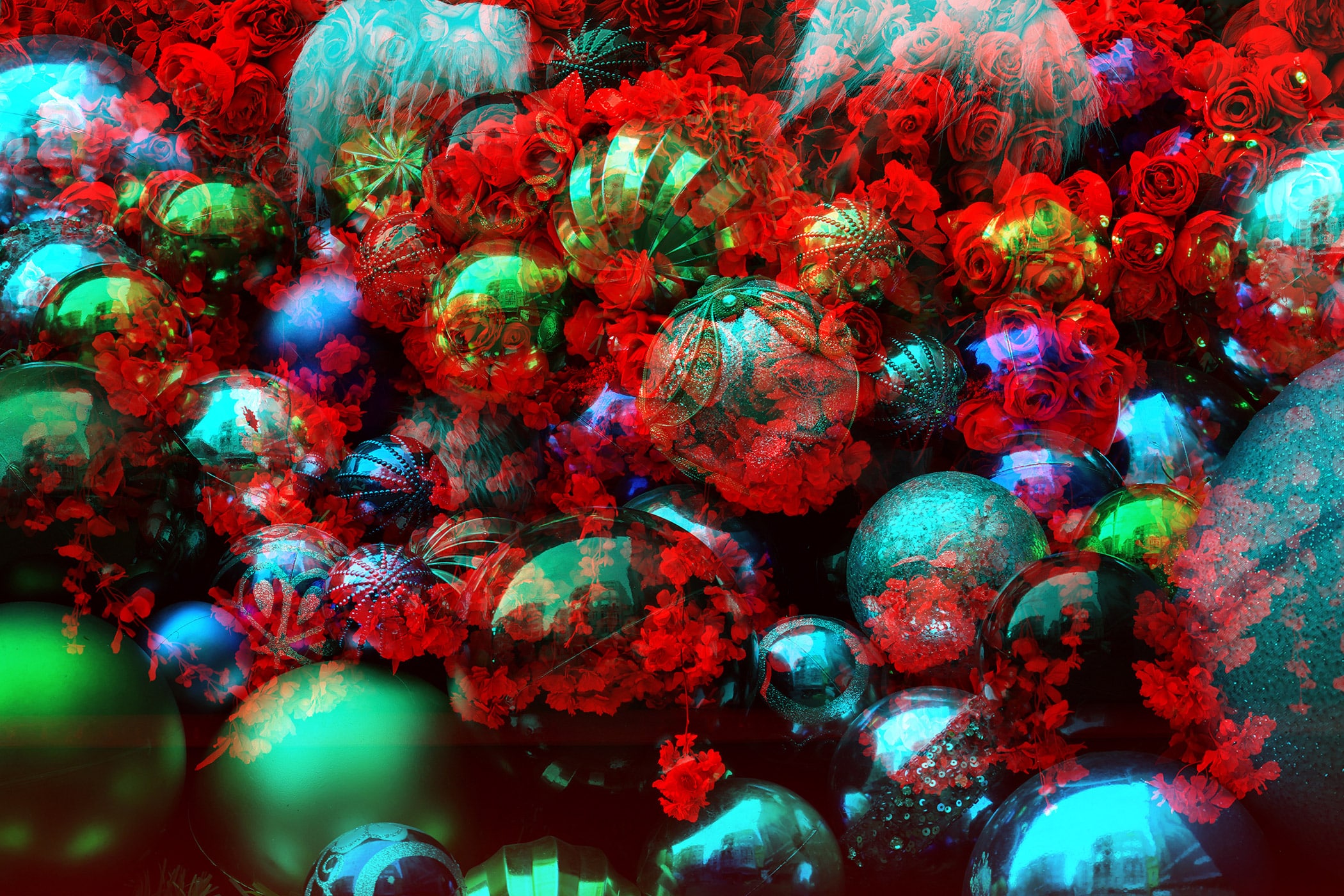
- Flowers and jewelry, by Tolgart
Here's how it works:
- To create a 3D image, you need two images: one for the left eye and one for the right eye. They are almost identical, but very slightly shifted.
- To create an anaglyph image, these two images are superimposed and colored in different colors, for example red and cyan (a mixture of blue and green).
- Your 3D glasses also have color filters: the red filter mainly lets the red image through, the cyan filter mainly lets the cyan image through.
- Each eye sees a different image. Your brain then combines both images, giving you the sensation that the image from the screen is "coming towards" you or that you are looking into a room.
The Anaglyph-3D effect with color filters is popular because it is very inexpensive: all you need is a special image and a simple pair of cardboard color glasses.
You can create an anaglyph image yourself – it's not exactly easy. However, we offer courses on this from time to time.
Create your own anaglyph image.
Instructions for anaglyph 3D: first take the photos correctly, then assemble them on the computer. The basic principle is always the same: two slightly offset shots of the same subject combine to create a 3D image for red-cyan glasses.
1. Take photos like this
For a good anaglyph 3D image, you need two photos of the same subject: one for the left eye, one for the right. The camera should remain as aligned as possible, only being shifted slightly laterally.
Here's how:
- Choose a design that It stands stillFor example, a toy, a figurine, a tree, a bench, or a building. Moving things like people, animals, or cars make it more difficult.
- Keep the main theme in focus center of image. This will help with assembly later.
- Take the left photo first.
- Then move the camera slightly to the right, approximately the distance between your eyes, and take the right-hand photo.
- Make sure that both images look almost identical: same height, same perspective, same zoom setting.
- It's best to take photos outdoors or in good light so that they remain sharp.
For example, a box, a Lego model, or a plant on the table often works better than a playing child because the subject remains still during the shot.
2. Edit on the computer
On the computer, the two photos are superimposed so that the left and right images are separated for each pair of glasses. Programs like GIMP, Photoshop, StereoPhoto Maker, or similar image editing software can be used for this.
A simple process:
- Open both photos in an image editing program.
- Place the second image as a new layer on top of the first, or open both side by side.
- Align the images so that the main subject is positioned as precisely as possible. You can correct minor misalignments using the Move tool.
- Create the anaglyph effect, usually via a function like "Make Anaglyph" or "Color Anaglyph".
- Choose a color combination to match the glasses, often red-cyan.
- Save the result as a new file.


